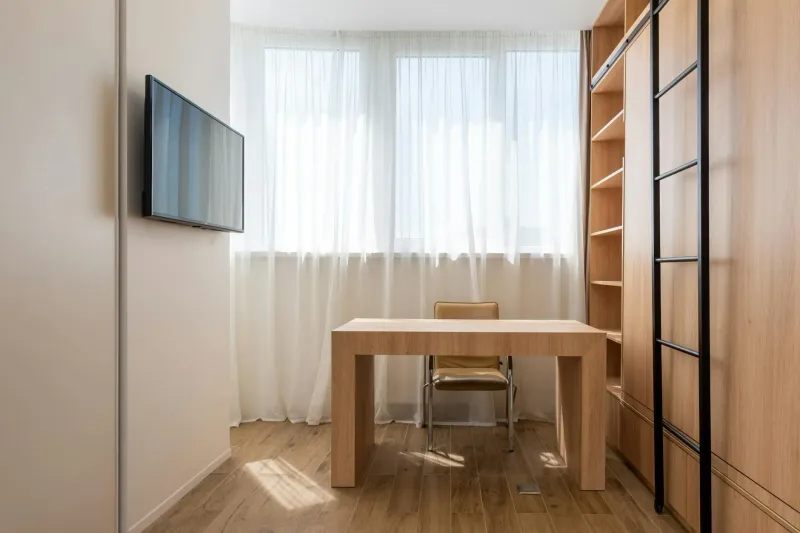
How to Choose a Study Desk: Size and Layout
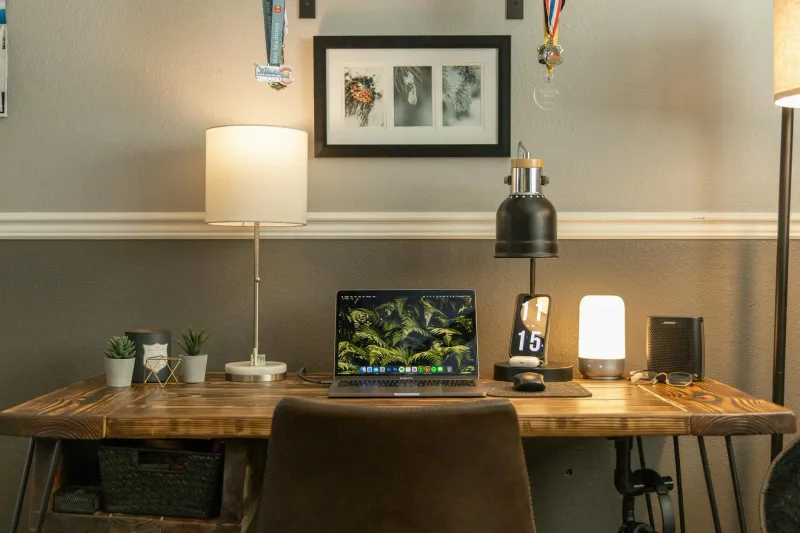
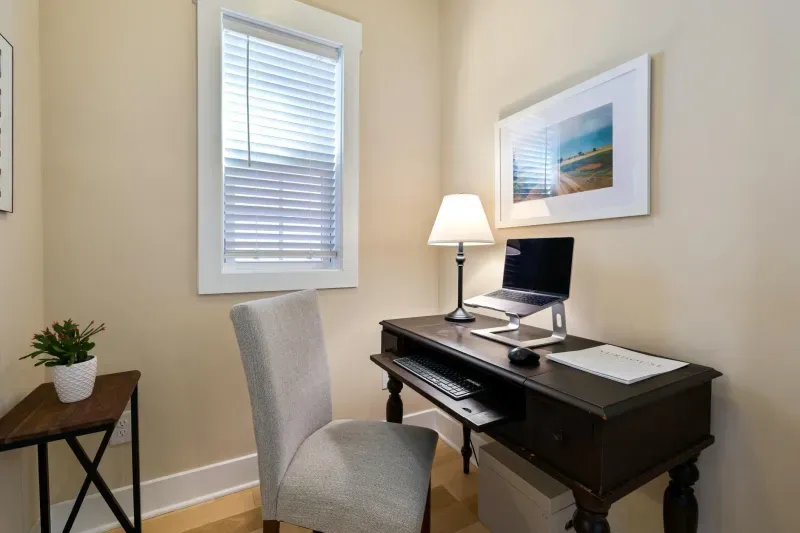
Choose a study desk around usable space for your laptop and notes. Test width, depth, drawers and lighting before buying with this practical guide.
This page is available in your language.
Switch to38 English guides and comparisons for better home office decisions.
Choose a study desk around usable space for your laptop and notes. Test width, depth, drawers and lighting before buying with this practical guide.
How often should you replace your office chair? Forget the years: check the warranty and the per-part wear. A guide to repair vs replace.
Lower back pain from sitting is usually a mis-set lumbar support, not a cheap chair. The adjustments that matter, with models and our finder.
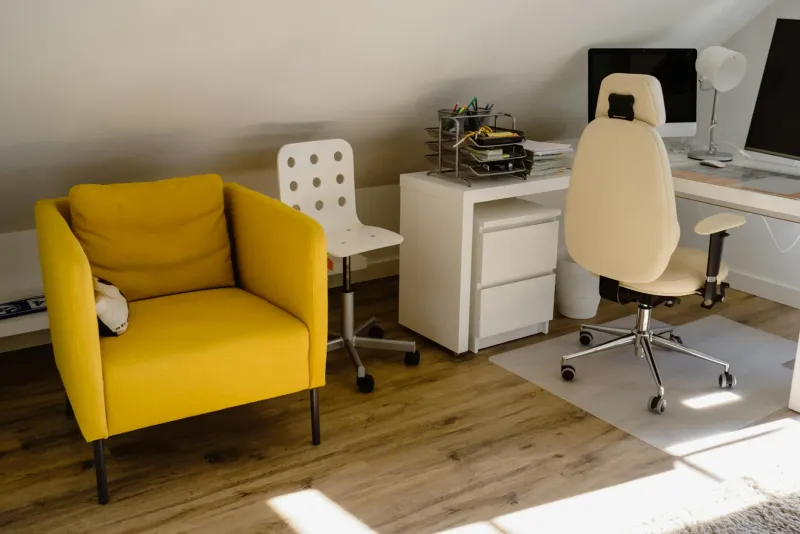
How to choose an ergonomic chair: seat height, adjustable lumbar, seat depth and armrests matched to your body, with links to models and our finder.
Wrong size, a motor that can't hold your gear, or paying extra for unused features: six standing desk buying mistakes and how to avoid them.
2 to 4 hours of standing per day in 15-30 min chunks is the most evidence-backed guideline, not a magic number. Practical plan and common mistakes.
Compare a standing desk frame with a complete desk: true cost, tabletop fit, assembly and stability, so you can choose the right setup.
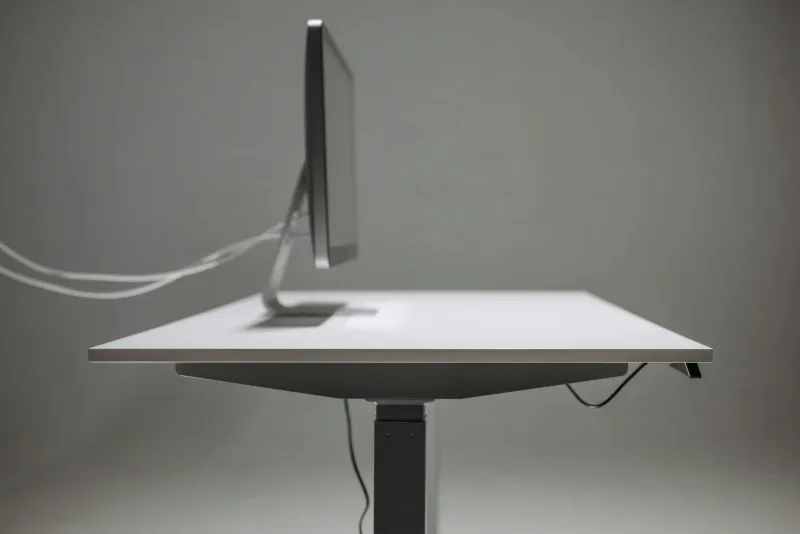
How to choose a standing desk: height range, motor, load capacity, stability, desktop size and the 20-8-2 rule, with links to the models and our finder.
Are standing desks worth it? Real remote-work experience, benefits, limits, buying criteria and when to skip one.
Back pain from working at home: real causes, setup fixes, movement habits, warning signs and practical ergonomic changes.
Compare electric standing desks for remote work: stability, motors, memory presets, desktop size and which models are worth checking.
Compare ergonomic keyboards for remote work: split, wave and compact layouts, wrist comfort and which models are easiest to adapt to.
A practical comparison of ergonomic office chairs for remote workers: lumbar support, adjustability, comfort and Amazon availability.
Compare LED desk lamps, clamp lamps and monitor light bars for remote work: brightness, colour temperature and glare control.
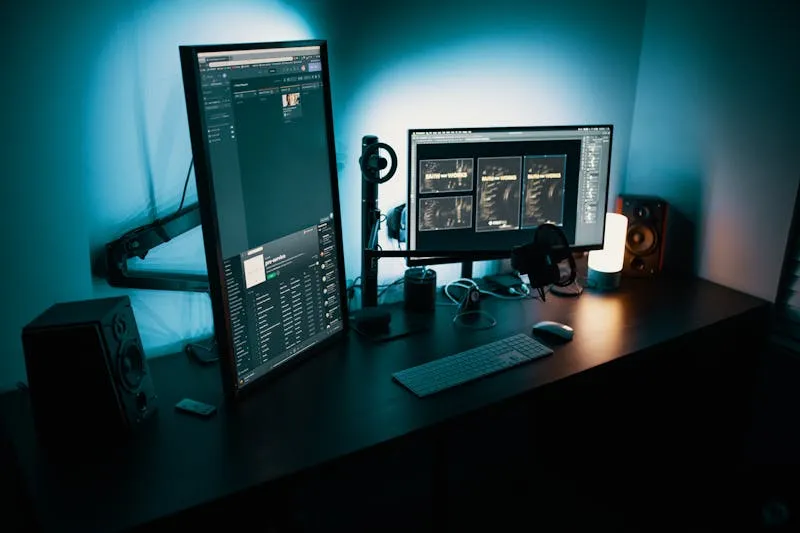
Choose a monitor for working from home: 24 vs 27 inches, 4K, USB-C, ultrawide screens and ergonomic setup advice.
Compare monitor arms for home office desks: VESA support, weight limits, single vs dual arms and ergonomic monitor height.
A practical guide to office chairs under 200: lumbar support, mesh backs, adjustability and which models make sense for remote work.
Compare quiet fans for a home office: tower, desk and pedestal models, noise levels, airflow and video-call comfort.
Compare six vertical ergonomic mice by size, connection and power. Choose between Logitech Lift, MX Vertical and wired options for your home office.
Build a productive home office on a budget by prioritising chair, desk, monitor height, keyboard, mouse, lighting and cable control.
Prevent wrist strain and carpal tunnel symptoms when working remotely: warning signs, keyboard height, mouse choice, breaks and exercises.
Build a practical home office step by step: chair, desk, monitor, lighting, accessories, budget priorities and ergonomic setup.
Calculate the right desk and chair height for your body with practical measurements, formulas, posture checks and setup fixes.
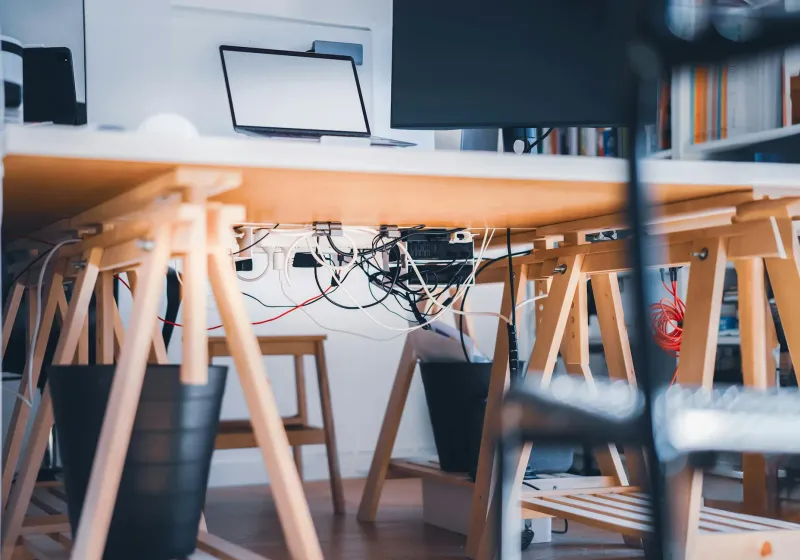
A practical desk cable management method: count cables, remove extras, group by zone, use trays, velcro ties and safe routing.
15 desk stretches and chair exercises for neck, shoulders, back, hips, legs and wrists during remote work breaks.
The useful home office trends for 2026: affordable standing desks, better ergonomic chairs, peripherals, lighting, USB-C monitors and monitor arms.
Gaming chair or ergonomic office chair for remote work? Compare lumbar support, materials, adjustability and comfort for long days.
Adjust your office chair step by step: seat height, depth, lumbar support, armrests, recline tension and common faults.
Set up an ergonomic home office with correct chair height, monitor position, desk setup, breaks and posture checks for remote work.
IKEA BEKANT and FlexiSpot E7 are no longer the obvious buys. Here is how they compare and which current alternatives make sense.
Improve home office lighting with natural side light, ambient light, task light, colour temperature, glare control and budget options.
The real home office setup I use daily: Aeron chair, fixed desk, dual 27-inch monitors, mechanical keyboard, mouse, headphones and what I would change.
Neck pain from computer work is often a setup problem. Fix monitor height, chair posture, arm position and movement habits.
Light, temperature, noise, clutter and desk layout shape remote-work focus. Practical home office changes that improve productivity.
Screen eye strain from remote work? Learn the symptoms, causes, lighting fixes, screen settings and habits that help.
Create a home office in a small apartment without giving up posture, focus or storage. Practical layout, furniture and mistakes to avoid.
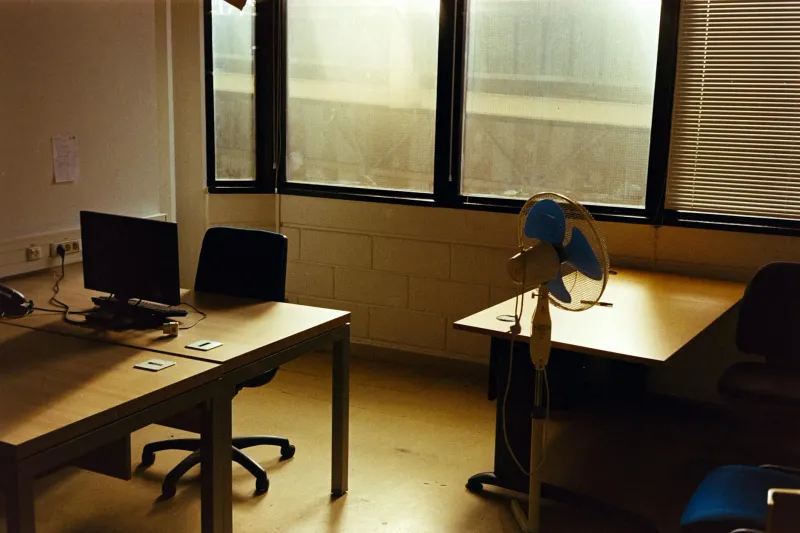
Work from home in hot weather without losing focus: block sun, move air, reduce device heat, use fans well and know when AC is needed.
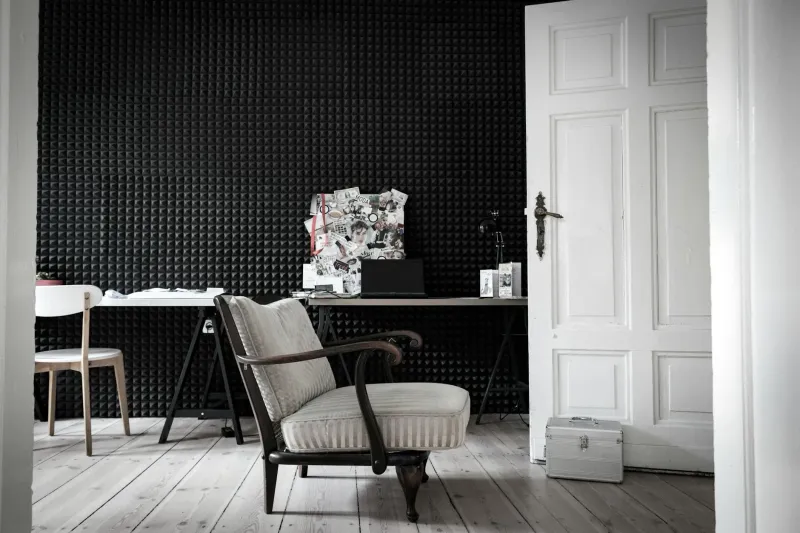
Reduce noise in a home office without construction: sealing gaps, rugs, curtains, panels, layout, call quality and realistic expectations.