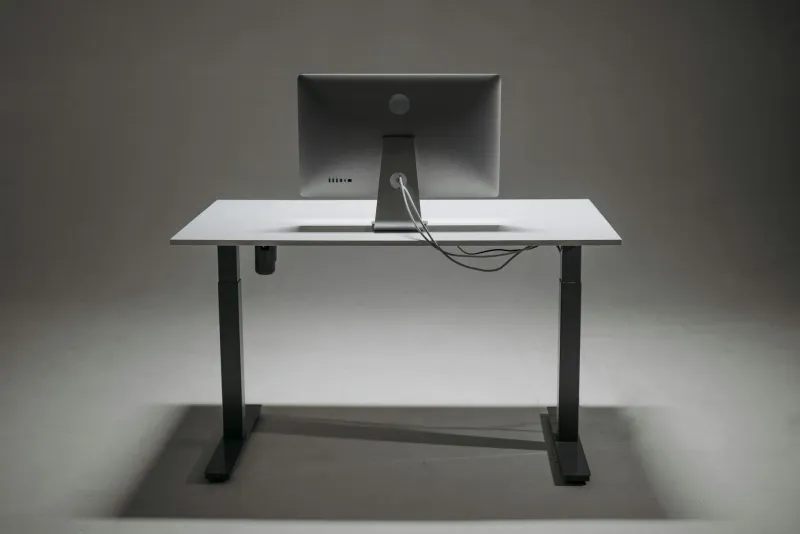
A standing desk is worth it when it changes your behaviour. The motor, memory presets and frame are not the benefit by themselves. They are only useful because they make it easier to move from sitting to standing and back again during the day.
That distinction matters. A standing desk is not a magic fix for back pain, productivity or posture. Standing badly is still bad ergonomics. But after several years of remote work, I do think a good sit-stand desk can be a very useful upgrade for people who already have the basics under control: chair, screen height, keyboard position and enough room to move.
The short version: buy one if you work full days at a desk, already have a decent chair, and will actually alternate positions. Skip it if your chair is still poor, your setup is cramped, or your budget would force you into an unstable desk you will dislike using.
Why I wanted one
Before using a standing desk, my setup was a proper office chair and a fixed desk. The chair did its job, but by mid-afternoon I could feel a specific kind of fatigue. It was not mental tiredness. It was the body complaining about being in the same posture for too long.
The lesson I eventually took seriously is simple: ergonomics is not only posture; it is also duration. A good chair protects you while you sit, but no chair can fully compensate for sitting without meaningful breaks all day.
That is where a standing desk helped me. Not because standing is automatically healthy, but because changing position became frictionless. If you need to clear the desk, move hardware or crank a manual mechanism every time, you will stop doing it. If one button takes you to a stored height, you are far more likely to use it.
The first weeks are not what people expect
Many people buy a standing desk and try to work standing for an hour immediately. That is usually a mistake.
Standing work has its own adaptation curve. Feet, calves and lower back need time. If you go from sitting all day to standing for long blocks, the desk can feel like a bad purchase by the end of the first week.
A better progression:
- Week 1: 5 to 10 minutes standing, two or three times a day.
- Week 2: 15 to 20 minute blocks.
- Week 3: 20 to 30 minute blocks.
- After that: adjust based on task, fatigue and comfort.
The goal is not endurance. The goal is alternating. A standing desk should make the day less static, not turn office work into a standing competition.
What changed after regular use
The main improvements are practical rather than dramatic.
The afternoon slump became easier to manage
Standing after lunch helped me change energy. I do not use that time for heavy deep work every day, but it works well for email, reviews, planning, light calls and reading.
Short meetings feel better standing
For calls under 30 minutes, standing often keeps me more engaged. It also reduces the temptation to collapse into the chair and multitask badly.
Upper-back tension is lower
The biggest change for me was not lower-back pain. A good chair still matters more there. The improvement was less accumulated heaviness around the upper back and shoulders by the end of the day.
It creates movement without requiring discipline every hour
The desk does not replace walks, stretches or strength work. But it does make one healthy behaviour easier: leaving the exact same seated posture several times a day.
What a standing desk does well
A sit-stand desk is good at:
- Breaking long sitting blocks.
- Letting you match desk height more accurately.
- Making short calls more active.
- Helping with low-energy afternoon tasks.
- Giving you another posture option without leaving the workstation.
- Making it easier to reset your body between tasks.
The height-adjustment part is often more important than the standing part. A fixed desk can be too high or too low for your body. An electric desk lets you set the seated height properly, then save a separate standing height.
If you are unsure about your numbers, use the correct desk and chair height guide before buying anything.
What it does not solve
A standing desk does not automatically fix:
- A screen that is too low.
- A chair that does not support you.
- A keyboard that forces wrist extension.
- A mouse that sits too far away.
- Chronic back pain.
- Lack of breaks.
- Poor strength, mobility or sleep.
This is the part marketing often hides. If your setup is bad while sitting, it can also be bad while standing. The monitor still needs to be high enough. Elbows still need to sit close to 90 degrees. Feet still need support. Cables still need enough slack.
If back pain is already a problem, start with back pain from working at home and treat the desk as one possible tool, not the whole solution.
Who should buy a standing desk
A standing desk makes sense if:
- You work at a desk most days.
- You already have a decent chair.
- You feel stiff after long sitting blocks.
- You take frequent video calls.
- You have enough room around the desk.
- You can buy a stable frame rather than the cheapest possible model.
- You are willing to build a habit around alternating.
It is especially useful for people who have enough self-awareness to change position before discomfort becomes pain. If you only remember the desk exists after six hours of sitting, memory presets and reminders can help.
For current buying options, see best electric standing desks.
Who should skip it
Skip or delay the purchase if:
- Your chair is still poor.
- Your monitor is too low.
- You work from home only occasionally.
- You have very limited floor space.
- Your desk is covered with hardware that makes movement awkward.
- You need long uninterrupted focus and know position changes break your concentration.
- The budget would force an unstable or undersized model.
In a tight budget, I would usually prioritise chair, screen height, keyboard/mouse and lighting first. The budget home office setup guide covers that order.
What to check before buying
Desktop size
For one monitor, keyboard and mouse, 120 x 60 cm is a sensible minimum. A 140 x 70 cm top feels much more comfortable if you have space. With two monitors, check width and depth carefully.
Do not buy a desk that technically fits the room but leaves no chair clearance. A standing desk needs the same footprint when lowered and raised, plus enough space for you to stand comfortably.
Height range
The desk must reach both your seated and standing elbow height. The minimum height matters as much as the maximum. Many standard desks are too high for shorter users, and some electric desks do not go low enough either.
Stability
Wobble is the detail that decides whether you keep using the desk. A little movement at full standing height is normal, but the desk should not shake while typing or using a monitor arm.
Motor noise
If you take calls in a shared room, a quiet motor is useful. You may not care the first day, but you will care when the desk rises during a meeting.
Cable management
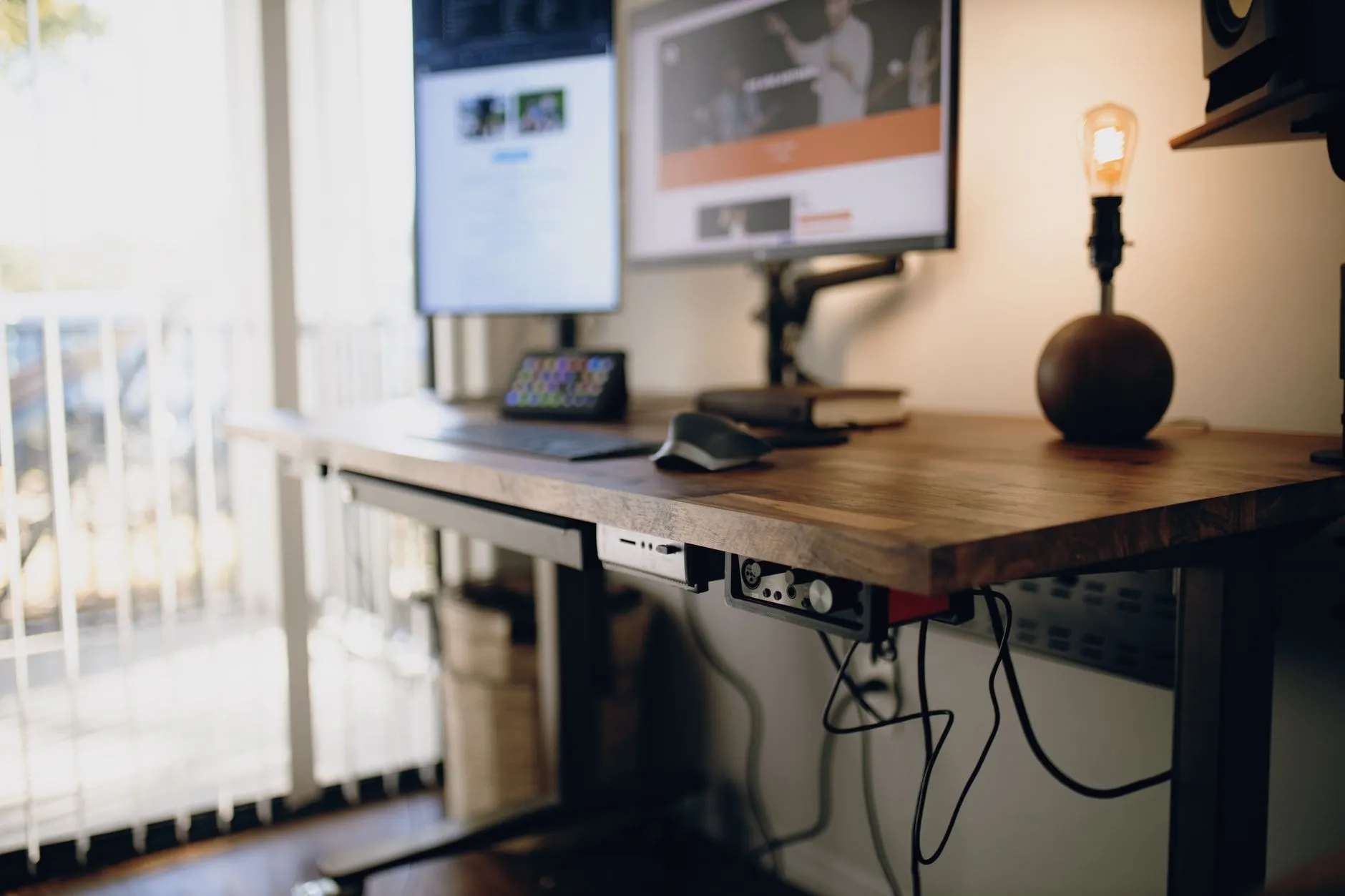
Standing desks require slack. Test the lowest and highest positions before fixing cables. If the power strip is mounted under the desktop, only one cable needs to travel to the wall. If the power strip stays on the floor, every cable needs more slack.
The desk cable management guide covers this in detail.
The anti-fatigue mat question
An anti-fatigue mat is not mandatory on day one, but it becomes important if you stand for more than short blocks. Hard floors make feet and calves tired quickly. A mat makes standing feel less punishing and reduces the temptation to abandon the habit.
Shoes matter too. Standing barefoot on a hard floor for long periods can feel fine for ten minutes and unpleasant after thirty. If your feet hurt, the desk is not the only variable.
A realistic daily routine
A practical routine might look like this:
- Morning deep work: seated.
- Mid-morning email or stand-up: standing for 20 minutes.
- After lunch: standing for a low-energy task.
- Short calls: standing when useful.
- Late afternoon: seated or standing depending on fatigue.
For most people, 90 minutes to 2 hours of standing across the day is plenty. More is not automatically better. The point is variety.
Common mistakes
Using it as a fixed desk. If you never raise it, the desk has not failed, but the habit has.
Standing too long too soon. Fatigue makes people blame the desk instead of the progression.
Ignoring screen height. When the desk rises, the monitor and keyboard rise together. Check both positions.
Cable routing too tightly. The first height change should not pull on monitor, laptop or power cables.
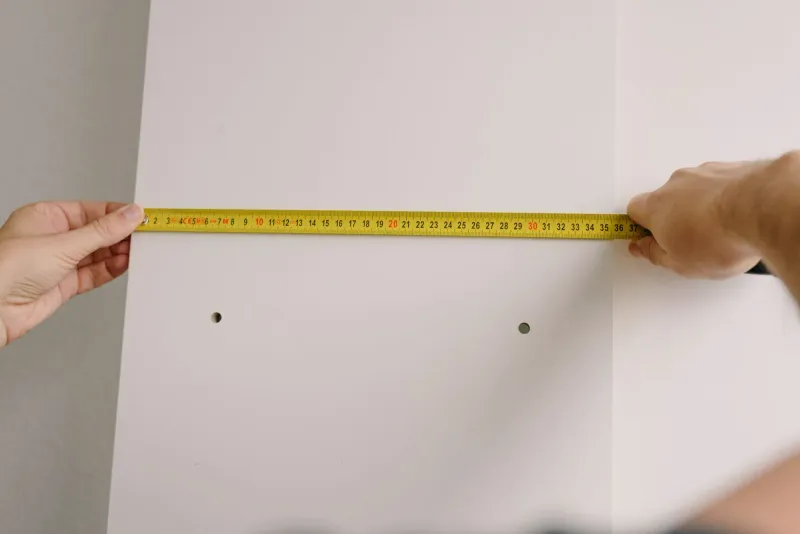
Buying before measuring. Room size, chair clearance, desktop depth and height range matter more than the product photo.
Verdict
Yes, standing desks are worth it for the right remote worker. They are not a miracle product, and they are not the first purchase I would make in a poor setup. But if you already have the basics and want an easy way to break long sitting blocks, a stable electric desk can become a permanent part of a healthier workday.
Use it to alternate, not to replace the chair. That is the whole point.