Working from home in hot weather is a timing problem before it is an appliance problem. Once a small room has absorbed heat for hours, every fix gets harder. The best strategy starts early: block sun before it enters, ventilate while outside air is cooler, reduce heat from devices, move air quietly, and use air conditioning only when the first layers are not enough.
I work from a small room in Rubi, near Barcelona. On paper, a north-facing room should be manageable in summer. In practice, a workday with two monitors, a laptop, closed doors for calls and heat stored in the building can turn the office into the slowest room in the flat. The afternoon is the worst part: the body is tired, the room has accumulated heat, and concentration starts to feel heavier.
This guide is the practical version of what has worked for me over several summers. No miracle claims: if it is 38 C outside, you will not make a rented room feel like a hotel lobby with a fan. But the difference between doing the basics well and badly can easily be several degrees of perceived comfort.
The thermal reality of remote work
Homes are not designed like offices. A workplace may have central air, ventilation rules and a layout planned around occupancy. A home office is often a spare room, bedroom corner or converted storage space with whatever orientation and insulation the flat already has.
Heat affects more than comfort. When a room gets too warm, attention becomes harder to sustain, decisions feel slower and tolerance for small frustrations drops. You may blame motivation or workload when the room is simply above the range where your brain does its best desk work.
The problem is worse in small rooms because every heat source counts:
- Laptop and charger.
- External monitors.
- Desk lights.
- Router, dock or speakers.
- Your own body heat.
- Sun on glass, walls or floor.
In an 8 to 10 square metre room, those small sources accumulate. A monitor that feels harmless in winter becomes a heater in July.
The three layers for dealing with heat
Do these in order. Buying the strongest fan first is less effective than blocking heat before it enters.
Layer 1: block heat before it enters
This is the cheapest and highest-return layer. Every bit of solar heat you prevent is heat you do not have to remove later.
Practical fixes:
- Lower blinds before the sun reaches the window, not after the room feels hot.
- Use exterior shade if available: shutters, awnings, balcony shades.
- Keep curtains or blinds light-coloured if they receive direct sun.
- Close the room before outdoor heat peaks.
- Avoid opening windows at midday if the outside air is hotter than the room.
The timing matters. Closing the blind at 9:00 can work. Closing it at 12:30 after the desk, wall and floor have heated up is damage control.
Layer 2: move air
A fan does not cool the air. It cools you by moving air across the skin and helping sweat evaporate. That can reduce perceived heat by several degrees, which is exactly what you need for desk work.
For a home office, the fan has to be quiet enough for calls and focused work. Place it to the side rather than blasting directly into your face. Direct airflow dries eyes, can create microphone noise and becomes annoying after an hour.
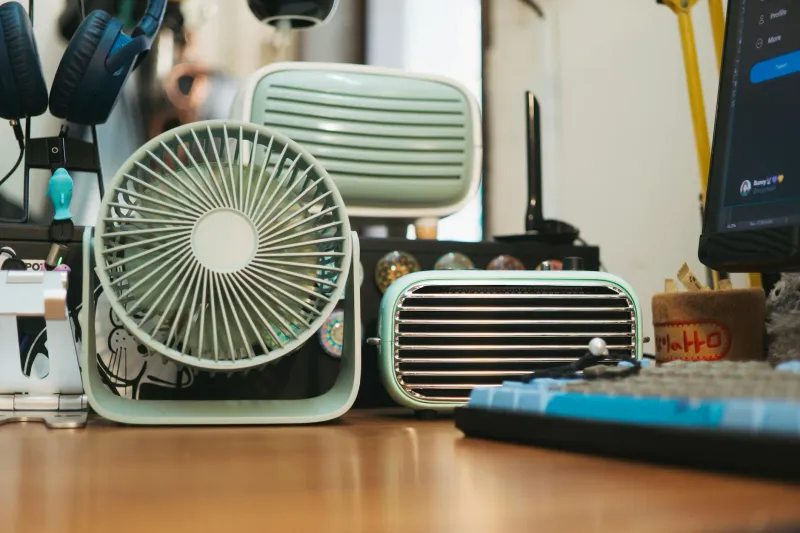
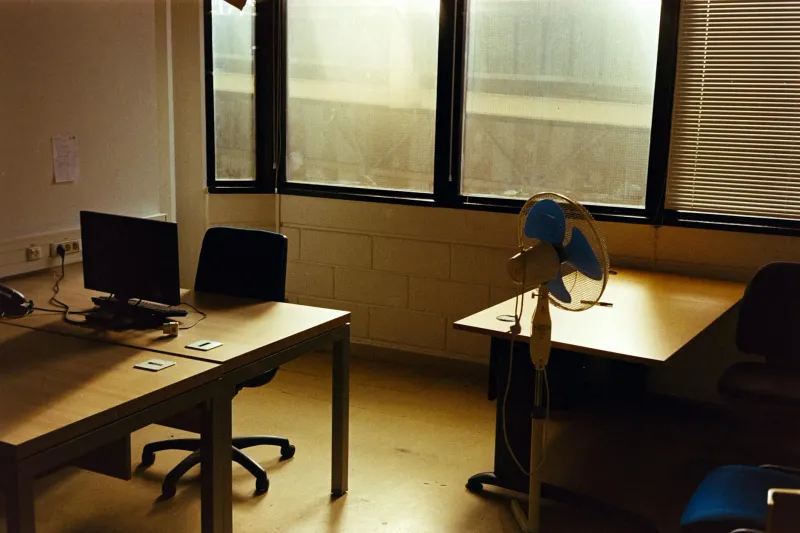
Tower fans work well in small rooms because they use little floor space. Pedestal fans move more air in larger rooms. Desk fans are useful only if they are quiet and do not create a wind tunnel across the microphone.
Layer 3: cool the room
Air conditioning becomes realistic when the room stays above 30 to 32 C despite shade and airflow, especially if you work full days. At that point, a fan may only move hot air around.
If you use AC, avoid the “make it cold fast” trap. A moderate temperature plus a fan often feels better than setting the AC too low and drying the room. It also uses less energy.
Portable AC units are useful for renters, but they are noisy and less efficient than a fixed split system. They need a window outlet, and that outlet can leak heat back in if it is poorly sealed.
What matters in a quiet office fan
The best fan for a home office is not the one with the biggest marketing number. It is the one you can actually leave running while you work.
Look for:
- Noise at medium speed. Minimum-speed noise is often meaningless because the airflow may be too weak. The useful question is how loud it is at the speed you will use for hours.
- Airflow pattern. Oscillation matters because constant air in one spot becomes uncomfortable.
- Motor type. DC or brushless motors are often quieter and more efficient than cheap AC motors.
- Remote or easy controls. If changing speed interrupts your work, you will stop adjusting it.
- Stable base. A fan that rattles on a hard floor becomes more irritating than its dB rating suggests.
For product options, see best quiet fans for a home office.
Mistakes that make your office hotter
Waiting too long to close the blinds
This is the most common mistake. People wait until the room feels hot, then close the blind. By then the heat is already inside. Shade early.
Using every screen all day
Monitors produce heat. If you use two screens only because they are there, turn one off during writing, calls or reading blocks. Lowering brightness can also help in summer, as long as the screen remains comfortable.
Charging everything on the desk
Chargers, docks and batteries add heat. They also clutter the work area. Charge devices away from the desk when possible, and do not leave chargers buried under fabric.
Keeping old bulbs
Old halogen or incandescent bulbs waste much of their energy as heat. LED lighting is a simple fix. It also improves comfort if the light temperature is appropriate.
Ventilating at the wrong time
Opening windows can cool the room early in the morning or late at night. At midday during a heatwave, it may only bring hot air in. Compare indoor and outdoor temperature before assuming open windows help.
My summer routine in Rubi
This is the routine I use as a baseline. Adjust the times to your climate and room orientation.
- Early morning: ventilate while outside air is still cooler.
- Before direct sun or outdoor heat peaks: lower blinds and reduce glare.
- Late morning: close windows if outside temperature climbs above indoor temperature.
- Work blocks: use a quiet fan to the side, not pointed at the face.
- Lunch break: switch off screens and chargers that do not need to run.
- Afternoon: use stronger airflow or AC if the room climbs past the comfortable range.
- Evening: ventilate again once outside air drops.
The biggest improvement is not any single device. It is not letting the room heat up unnecessarily before the difficult part of the day.
When AC stops being optional
Shade and fans are usually enough for mild heat. They are not enough in every room.
Air conditioning becomes much more reasonable if:
- The office faces south or west with poor external shade.
- The room has an exterior wall that stores afternoon heat.
- Two people work in the same small room.
- You use a powerful desktop PC, multiple monitors or other heat-heavy equipment.
- Indoor temperature stays above 31 or 32 C during work hours.
- You live somewhere with repeated heatwaves and full workdays at home.
There is no prize for suffering through an unsafe or unworkable room. Heat affects the body, not just productivity. If you finish every afternoon exhausted, dehydrated and tense, the room is part of the problem.
What helps beyond air
Some non-appliance changes matter more than people expect.
Hydration: keep water visible, but not so close that you never stand up. Heat reduces concentration before you feel properly thirsty.
Clothing: lightweight breathable clothes help. Heavy cotton can feel worse than a technical shirt during long hot afternoons.
Break timing: take movement breaks earlier than usual. Heat makes static posture feel worse.
Meal choice: heavy lunches can make hot afternoons brutal. I notice the difference between a light lunch and a large hot meal immediately.
Light control: reduce glare without making the room cave-like. A dark room with a bright screen can increase eye strain.
How heat interacts with ergonomics
Heat makes you sit worse. You slide forward, lean away from the chair back, raise shoulders, stop moving because everything feels like effort, and avoid standing because the room already feels uncomfortable. That is why a hot office can trigger back or neck symptoms even when the furniture has not changed.
If you notice more pain in summer, check:
- Does the chair material trap heat?
- Are you leaning forward to avoid a sweaty backrest?
- Do you skip movement breaks because the room feels heavy?
- Is the fan pushing you into an awkward posture?
- Are you drinking enough to avoid muscle tension?
The home office ergonomics guide and back pain guide are useful companion pieces here.
Video calls in a hot room
Heat changes calls more than people expect. You close the door for privacy, the room stops ventilating, the laptop works harder, the fan gets louder and the microphone starts picking up airflow.
Before important calls:
- Cool the room before the call starts.
- Place the fan to the side, not behind the laptop microphone.
- Use headphones so you can lower speaker volume.
- Lower screen brightness if the room is already hot.
- Keep water nearby.
- Avoid sitting with direct sun on your back or face.
If you need to choose between perfect silence and airflow, test the microphone. Many call apps handle a side fan better than expected if noise suppression is on. What they handle badly is a fan pointed straight at the mic.
Small-room tactics
Small home offices overheat quickly because they have little air volume. The same laptop and monitor that barely affect a living room can warm a spare room noticeably.
In a small office:
- Keep the door open when not on calls.
- Use cross-ventilation early and late.
- Avoid storing hot chargers under the desk.
- Turn off the second monitor when reading or writing.
- Use light curtains or blinds to reflect sunlight.
- Keep the floor clear enough for air to move.
The floor point sounds minor, but it matters. Boxes, cable nests and bags under the desk trap heat and make cleaning harder. A clear under-desk area also helps your legs move, which matters when heat makes posture collapse.
What to buy, and what to skip
Buy in this order:
- Thermometer. You need to know the room pattern.
- Basic shading or better blind control.
- Quiet fan.
- LED lighting if old bulbs add heat.
- Better curtains or reflective film if direct sun is the issue.
- Portable or fixed AC only if the room still stays too hot.
Skip early:
- Tiny USB fans that barely move air.
- Ice-bowl fan tricks for serious workdays.
- Blackout solutions that make the room unusably dark.
- Very loud high-power fans for call-heavy jobs.
- Smart gadgets before basic shade and airflow.
The best heat solution is usually boring. Shade, timing, airflow and fewer heat sources beat most hacks.
A one-week heat audit
For one week, note three numbers:
| Time | What to record |
|---|---|
| Start of work | Indoor and outdoor temperature |
| After lunch | Indoor temperature and sun exposure |
| End of day | Temperature, fatigue and what was running |
Also write down whether the blinds were closed early, whether windows stayed open at the right time, and how many screens were on.
Patterns appear quickly. If the room is fine until 15:00, afternoon sun or device heat is probably the issue. If it starts hot, night ventilation or morning routine is failing. If it spikes during calls, closed-door heat buildup is the culprit.
Final checklist for a hot workday
Use this before the first meeting on very hot days:
- Blinds or curtains lowered before direct sun reaches the glass.
- Windows opened only while outdoor air is cooler.
- Fan positioned to the side, with oscillation on if possible.
- Second monitor off unless needed.
- Chargers and unused devices unplugged from the desk area.
- Water bottle filled.
- Light clothing chosen before the room heats up.
- Lunch plan kept light enough for the afternoon.
- AC plan ready if the room passes your personal limit.
The point is to make the hot day predictable. Heat becomes much harder to manage when every fix happens after you are already tired, sweaty and annoyed. A five-minute setup in the morning can save the afternoon.
If you can only change one thing
If you are overwhelmed, start with shade timing. Close the blind or curtain before the room heats up for three consecutive days and compare the afternoon. It costs nothing and gives you a clear baseline.
If that is not enough, add a fan. If shade plus fan still leaves the room above a workable temperature, then look at AC. This order prevents the common mistake of using expensive cooling to compensate for heat that should never have entered the room.
Summary
Working from home in hot weather is easier when you treat heat as a system:
- Block sun before it enters.
- Ventilate only when outside air helps.
- Reduce heat from devices and lights.
- Move air quietly and indirectly.
- Use AC when the room stays too hot for real work.
If the fan is your weak point, start with best quiet fans for a home office. If heat is only one part of a broader focus problem, read how your home office environment affects productivity.