Workspace lighting is one of the easiest home office upgrades to underestimate. Bad light causes eye strain, headaches, poor video calls and a room that feels tiring before the work itself gets hard. The fix is not one powerful lamp. Good lighting combines natural light, ambient light and task light without glare.
I used to treat lighting as a background detail. Chair, desk and monitor felt more important. Then I noticed a pattern: late-afternoon headaches, leaning toward the screen and lower patience for deep work on dark winter days. The room was not bright enough in the right places.
This guide covers the practical setup: where to put the desk, what colour temperature to use, how to avoid reflections, and what to buy at different budgets.
The three layers of workspace lighting
A good home office uses three layers.
Natural light
Natural light helps mood and alertness, but it changes all day. It can also create glare or overheating if unmanaged. Treat it as the base layer, not the only layer.
Ambient light
Ambient light is the general room light: ceiling light, floor lamp or wall light. Its job is to keep the room from feeling dark around the screen. If the monitor is much brighter than everything else, your eyes keep adapting between bright and dim zones.
Task light
Task light illuminates the desk surface: keyboard, notebook, documents and hands. This can be a desk lamp, clamp lamp or monitor light bar. It is the layer many home offices lack.
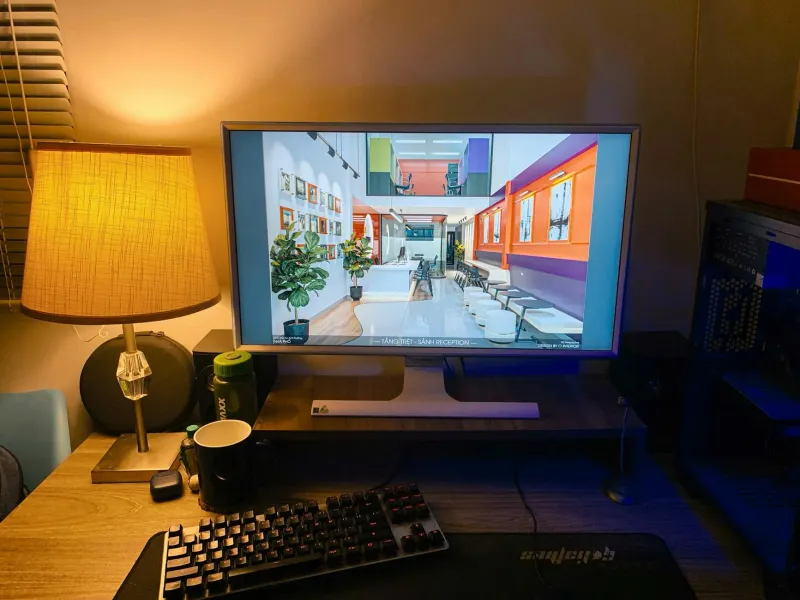
The goal is balance. The screen should not be the brightest object in a dark room, and the lamp should not reflect on the display.
Desk position and the window
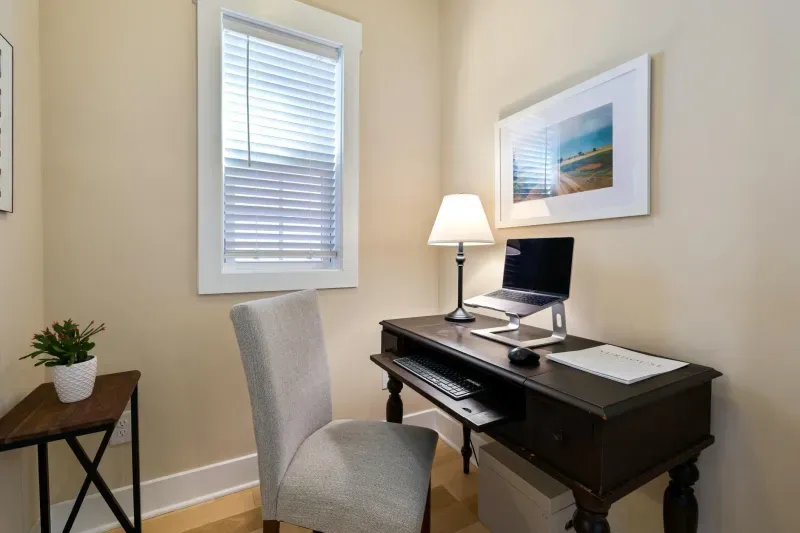
The best desk position is usually perpendicular to the window. Light comes from the side, which reduces glare and keeps the screen readable.
Avoid:
- Window directly behind the screen: glare and eye strain.
- Window directly behind you: reflections on the monitor.
- Direct sun on the desk: heat and harsh contrast.
If you cannot move the desk, use blinds or translucent curtains. You want to soften light, not necessarily block it completely.
Side light also helps video calls. A window directly behind you makes your face dark. A window directly in front can make you squint. Side light is easier to balance with a small lamp.
Colour temperature
Colour temperature is measured in Kelvin.
- 2700 to 3000 K: warm, relaxing, better for evenings than focused work.
- 4000 to 5000 K: neutral, usually best for desk work.
- 6500 K: very cool daylight tone, can feel harsh for long sessions.
If your lamp is adjustable, use cooler neutral light during the morning and early afternoon, then slightly warmer light later. Do not work all day under a very warm living-room bulb if you need concentration, and do not blast yourself with harsh blue-white light late at night.
Brightness and glare
Brightness is not just “more is better”. Too little light strains the eyes. Too much or badly placed light causes glare.
Quick checks:
- Does the screen feel like a bright rectangle floating in a dark room?
- Do you see a lamp or window reflected on the monitor?
- Do you lean forward to read by late afternoon?
- Do you lower the blind completely because partial control is not working?
- Do you get headaches after long screen sessions?
If yes, change light placement before buying a new monitor or blaming your glasses.
Diagnose the room before buying lights
Before choosing a lamp, identify the real lighting problem. Most home offices have one of four issues.
The room is too dark
The monitor becomes the main light source. The fix is usually ambient light: a ceiling bulb with a better temperature, a floor lamp, or a wall light that raises the general brightness of the room.
The desk is too dark
The room feels acceptable, but the keyboard, notebook and hands are poorly lit. Add task light: desk lamp, clamp lamp or monitor light bar.
There is glare
The room may be bright enough, but light hits the screen or your eyes directly. Move the desk, use blinds, change lamp position or reduce direct sunlight.
Video calls look bad
The desk may be comfortable while your face is underlit or backlit. Add soft front or side light rather than only lighting the desktop.
This diagnosis matters because the wrong purchase can make the room worse. A powerful desk lamp will not fix a dark room if the background remains black. A brighter ceiling bulb will not fix glare from a window behind you.
What I would try first
Start with free changes:
- Rotate the desk so light enters from the side.
- Adjust blinds to remove direct glare.
- Match screen brightness to the room.
- Move the lamp so it lights the desk, not the screen.
- Use larger font or scaling if you are leaning forward.
Then buy only what the room needs.
Screen brightness and room light
Lighting and screen settings should work together. If the room gets darker but the screen stays very bright, the contrast becomes tiring. If the room is bright and the screen is dim, you lean forward and squint.
Use this routine:
- Morning: set screen brightness to match natural light, not maximum.
- Midday: control direct sun with blinds rather than lowering the screen too much.
- Late afternoon: turn on ambient light before the room becomes dark.
- Evening: reduce harsh cool light and avoid working in a black room with only the monitor on.
Auto-brightness can help, but it is not always reliable with external monitors. The practical test is simple: if the screen feels like it is shining at you, reduce brightness or raise room light. If text feels weak, increase screen brightness or improve task light.
Budget options
Under 30
- Replace a warm ceiling bulb with neutral LED.
- Add a basic clamp lamp.
- Buy a translucent blind or curtain for glare.
- Use a simple LED desk lamp with adjustable angle.
This range fixes many dark-desk problems.
30 to 80
- Generic monitor light bar.
- Better adjustable desk lamp.
- Floor lamp for ambient light.
- Smart bulb with adjustable brightness and temperature.
This is the sweet spot for most home offices.
Above 80
- Premium monitor light bar with better optics.
- High-quality articulated desk lamp.
- Multi-light setup for calls and desk work.
Spend here only if you already know cheaper fixes do not solve the room.
For specific products, see best LED desk lamps.
Which lamp type fits each setup?
Basic desk lamp
Best for general use, notebooks and people who need flexible direction. Choose one with an adjustable arm and head. A fixed decorative lamp may look better, but it often points light in the wrong direction.
Clamp lamp
Good for small desks because it removes the base from the work surface. It works especially well on shelves, side edges and compact corners. Check clamp depth before buying.
Monitor light bar
Good for small desks, clean setups and screen-focused work. It lights the keyboard and desk surface without taking space. It is less useful if you need light far from the monitor or if your monitor shape does not support it well.
Floor lamp
Best when the whole room is too dark. A floor lamp can soften contrast around the screen. It is not a replacement for task light if you read paper documents or write notes by hand.
Ring light or webcam light
Useful for calls, but not ideal as the main work light. It can be uncomfortable if aimed directly at your face for hours.
Monitor light bar or desk lamp?
A monitor light bar is useful when desk space is limited. It lights the desk from above, usually without shining on the screen. It also removes the lamp base from the work surface.
A desk lamp is better if you need flexible side lighting, work with paper, or want light away from the monitor.
Choose by layout:
- Small desk with monitor: light bar.
- Large desk with notebook or documents: adjustable desk lamp.
- Dark room overall: add ambient light first.
- Video calls: consider face lighting as well as desk lighting.
Lighting for video calls
For calls, the face needs light, not just the desk.
Do:
- Face a soft light source or use side light.
- Avoid strong backlight.
- Keep the monitor brightness from being the only face light.
- Use a lamp bounced off a wall if direct light feels harsh.
Do not sit with a bright window behind you unless you want to look like a silhouette.
Winter, evening work and seasonal changes
Lighting problems become more obvious in winter. A setup that feels fine in spring can become tiring when natural light disappears early.
Plan for the darkest realistic workday, not the nicest hour of the day. If you work after sunset, you need controllable artificial light. If you work in a north-facing room, you may need ambient light even at midday. If the room gets direct summer sun, glare and heat may be bigger problems than darkness.
Small seasonal adjustments help:
- Move the desk slightly if winter glare changes angle.
- Use blinds instead of permanently closing curtains.
- Add ambient light before dusk.
- Keep task light at a consistent angle.
- Recheck video-call lighting when daylight hours change.
Good lighting is not a one-time purchase. It is a setup you adjust as the room changes.
Lighting and eye strain
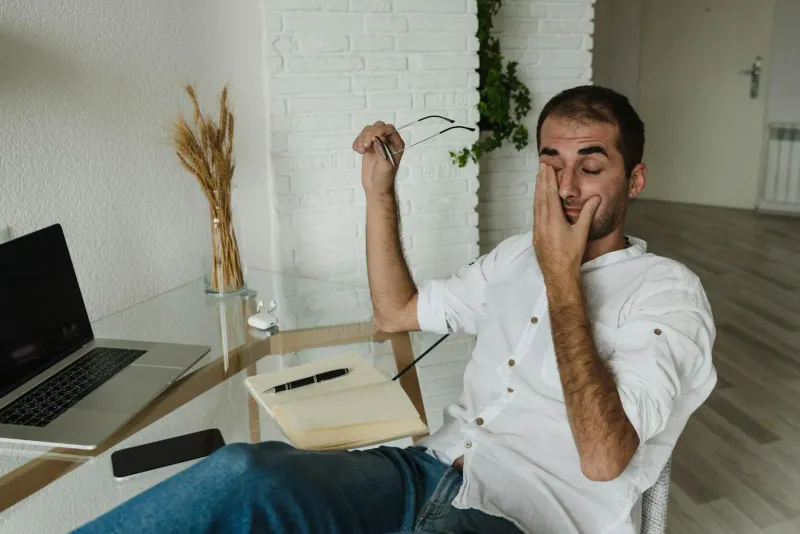
Eye strain is often blamed on screens when the room is the problem. If the screen is too bright compared with the surroundings, the eyes work harder. If text is small, you lean forward. If glare crosses the screen, you squint.
The screen eye strain guide covers symptoms and fixes in more detail. Lighting is usually one of the first things to check.
What not to buy too early
Do not start with premium lighting if you have not solved placement.
Delay:
- Expensive smart lighting before deciding where light is needed.
- Decorative lamps with fixed direction.
- Very cool bulbs for all-day use.
- Powerful lights aimed directly at the face.
- Multiple lamps that add cable clutter without a plan.
The first good purchase is usually modest: an adjustable lamp, a better bulb, a blind, or a light bar if desk space is tight. Spend more only when you understand the room.
Common mistakes
Relying only on ceiling light. It lights the room, not the task.
Buying a lamp that cannot aim. Direction matters as much as brightness.
Using very warm light all day. It can make the room feel sleepy.
Using very cool light at night. It can feel harsh and interfere with winding down.
Ignoring cable management. Every lamp adds a cable. If the desk is already messy, read desk cable management before adding more devices.
How to know it is working
Good lighting feels boring. You stop noticing the light because the room is comfortable.
Signs it is working:
- No screen reflections.
- No late-day squinting.
- Desk surface is easy to see.
- Screen brightness feels normal, not piercing.
- Video calls look clear without overexposure.
- You do not need to change posture to read.
If your productivity drops every afternoon, lighting may be part of it. The broader environment guide, how your home office environment affects productivity, covers light alongside temperature, noise and layout.